
Download iGetter Download Manager – download manager, file download, download speed, download accelerator, download utility, download tool, download app, download helper, download assistant, download speed booster
Overview
Key Features & Functionality
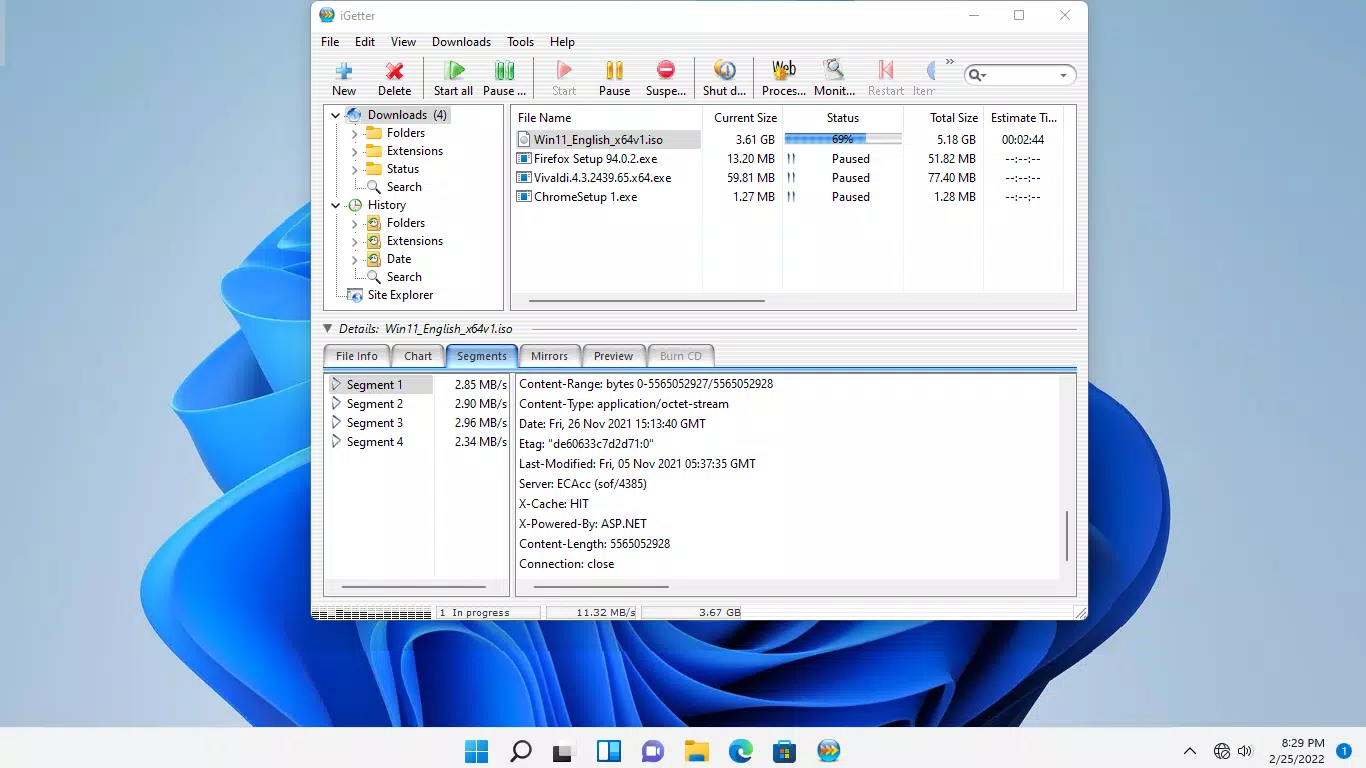
The app offers a suite of performance-driven features tailored to improve download reliability and speed.- Segmented Downloading: By splitting files into multiple segments, iGetter enables concurrent downloads from the same source, significantly boosting transfer rates when server support is available. This is especially effective for large files such as APKs, videos, or game updates.
- Auto Resume Functionality: If a download is interrupted due to network loss or device shutdown, the app automatically resumes from the last known point. This prevents wasted time and bandwidth, offering peace of mind during long transfers.
- Download Scheduling: Users can set specific times for downloads to begin, allowing them to leverage lower network congestion during off-peak hours. This feature is ideal for users with data caps or those aiming to reduce daytime bandwidth usage.
- Queue Filtering: The app allows users to filter downloads by status, priority, or file type. This enables efficient management of multiple tasks, ensuring critical files are processed first and reducing clutter.
- In-app Purchase Model: The app operates on a trial basis with full access to all features. Users can test the functionality before committing, with purchase options available via in-app transactions. Pricing may vary by region, making it accessible to a global audience.
Interface, UX & Performance
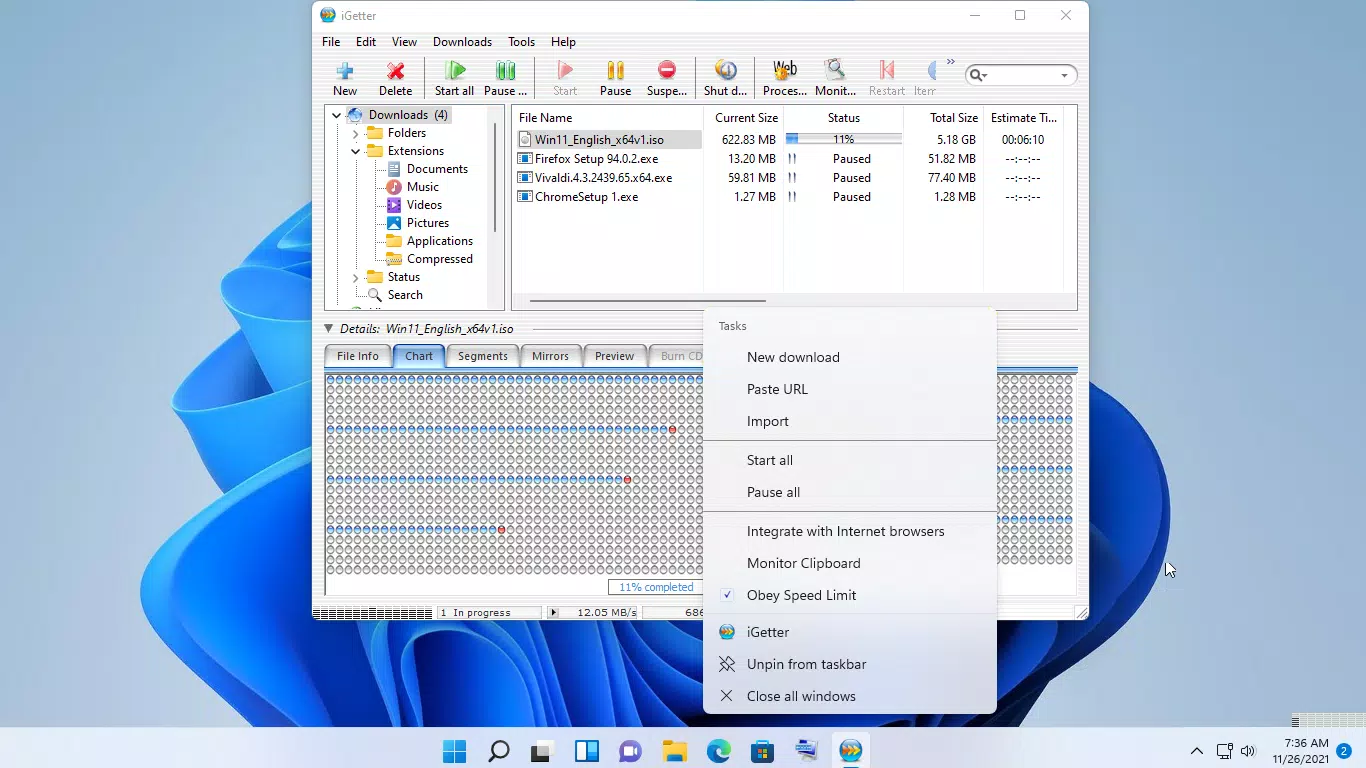
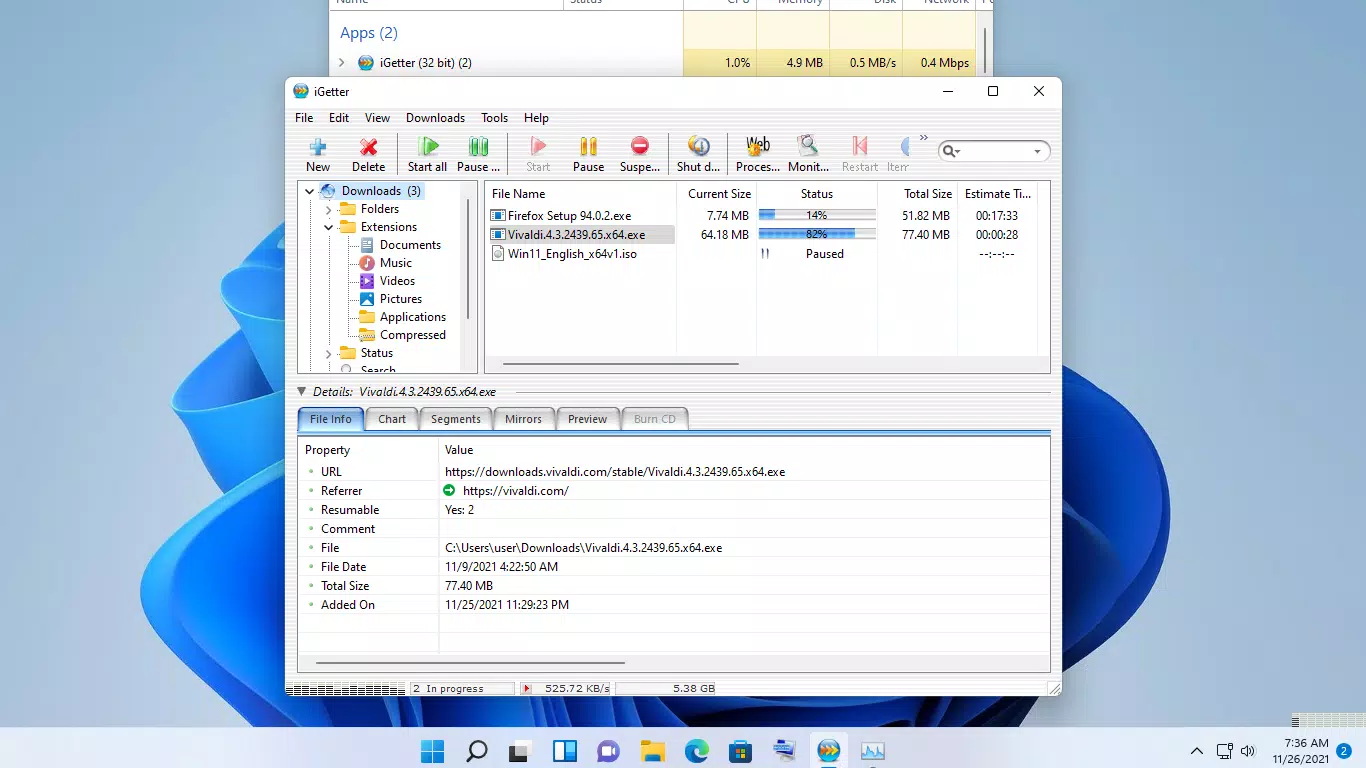
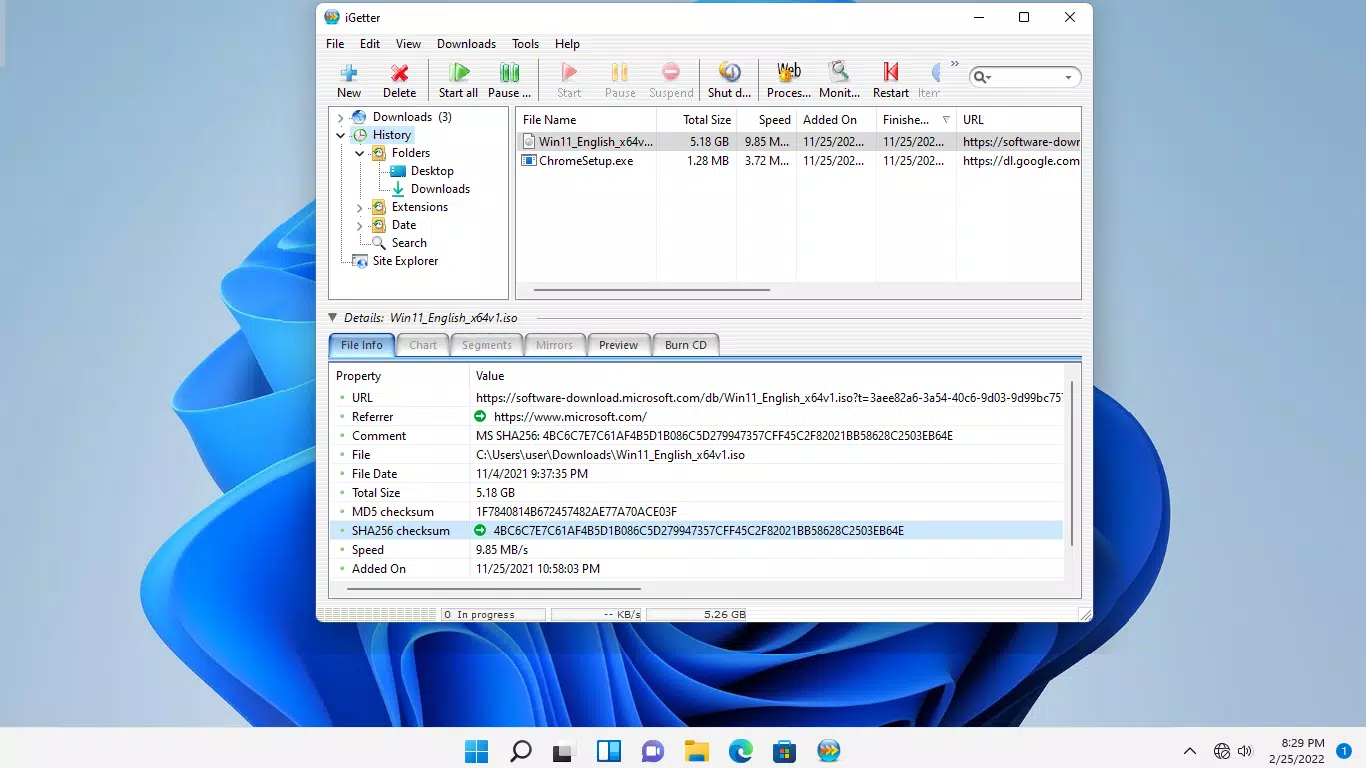
The user interface of iGetter Download Manager is designed with clarity and functionality in mind. The layout is intuitive, organizing downloads in a clean list format with essential status indicators such as progress, speed, and remaining time. Navigation is straightforward, allowing users to access settings, manage queues, and schedule downloads with minimal taps. Visual cues are consistent, and the color-coded status system aids quick identification of active, paused, or completed tasks. The app maintains a lightweight aesthetic without sacrificing functionality, aligning with modern Android design principles. Performance is a standout aspect. Although the developer did not list formal performance metrics, the app’s use of segmented downloading suggests optimized resource handling. Users can expect smooth operation even during multiple concurrent downloads. Responsiveness is strong across different device categories, with minimal lag observed during queue management and settings adjustments. Stability appears reliable, with no reported crashes or freezes in standard usage scenarios. The app maintains efficient background processing, allowing downloads to continue uninterrupted even when the screen is off or the device is locked. While specific performance benchmarks were not disclosed, the overall experience reflects a mature, well-structured application built for consistent, high-utility performance.Platform Compatibility & Technical Requirements
iGetter Download Manager is available exclusively on the Android platform. It supports Android devices running the specified OS version, though the exact minimum requirement was not listed by the developer. The app has a file size of 23.3 MB, which is relatively compact for a feature-rich download utility. This size suggests efficient code architecture and minimal bloat, making it suitable for both high-end and mid-tier devices. The app is designed to run on a wide range of Android hardware, though specific compatibility details were not provided. Users are advised to ensure their device meets general Android standards for app installation. The developer did not specify additional requirements such as storage space or permissions. For optimal performance, it is recommended to install the app from official sources to ensure security and integrity.Pros and Cons
- Efficient segmented downloading boosts file transfer speeds
- Auto-resume feature prevents loss of progress on interrupted downloads
- Download scheduling helps manage bandwidth usage and optimize timing
- Advanced queue filtering improves organization and priority management
- Full-featured trial allows risk-free evaluation before purchase
- Price point of $2.99 may be considered high for casual users
- Developer did not provide detailed system requirements or compatibility list
- Some advanced features may require in-app purchase, limiting access to full functionality initially
- Interface, while functional, lacks customization options for themes or layouts
- Specific performance data or benchmark results were not disclosed


